GPT Trader Bot AI Pro
Hi, I am your forecast desk. Ask me for a forecast and I will read the asset and the period you choose, then answer Call or Put for a candle you can still take.
Pick a button below, or type /forecast.
AI signal bot for binary options
Tap Get forecast, answer three short questions and the bot replies in the chat: Call or Put for a candle you can still take, with its strength, its three reasons and a countdown.
GPT Trader Bot AI Pro
Bot online · market open
GPT Trader Bot AI Pro
Hi, I am your forecast desk. Ask me for a forecast and I will read the asset and the period you choose, then answer Call or Put for a candle you can still take.
Pick a button below, or type /forecast.
Educational reads, not financial advice. Read the Risk warning.
Get access
Ask the chat for 4h or 1d and it already answers for free. Three steps open the faster periods, 5 seconds to 2 hours, for every asset in its five lists.
On your broker's siteAbout 2 minutes
Sign up on one of these partner brokers, on the broker's own site. An account opened through our link is what turns every period in the chat free.
An account you opened on your own cannot carry free access. Open a new one through a link here, or keep it and unlock the chat on the $49 plan.
With our support teamUsually a few minutes
Send support your broker and your account ID. When they see it came through our link, they open GPT Trader Bot AI Pro for the email you sign in with, usually within minutes.
Message supportYouI opened an Olymp Trade account through your link. Here is my account ID. I want the short periods in GPT Trader Bot AI Pro.
SupportConfirmed. Sign in and ask the chat for any period.
On this pageA few seconds
Sign in with the email support confirmed. The padlocks leave the period buttons in the chat at the top of this page, and a 1-minute forecast takes the same taps as a daily one.
Before you sign in
After you sign in
What it is
GPT Trader Bot AI Pro is a chat. You tell it the asset and the period, it reads the candle, and it answers Call or Put in a message.
Most signal tools hand you a panel of dials. This one asks you three short questions, one at a time, and keeps the answers in a thread you can scroll back through. The market first, then the asset, then how long the trade will run.
The reply is a forecast card: the direction, how firmly the inputs agree, and three plain lines on trend, momentum and volatility. A countdown shows how long the read holds. When the candle closes the bot says so and offers the next forecast.
It only reads. It never logs in to your broker, never sees your balance and never places a trade, so every stake stays your decision. Read the Risk warning before you trade with real money.
How to use it
Seven steps, each captured from the chat above. Four questions say what to read, the bot works, and the rest helps you judge the answer.
Step 1 of 7Start from the menu
Swipe or tap the arrow for the next step
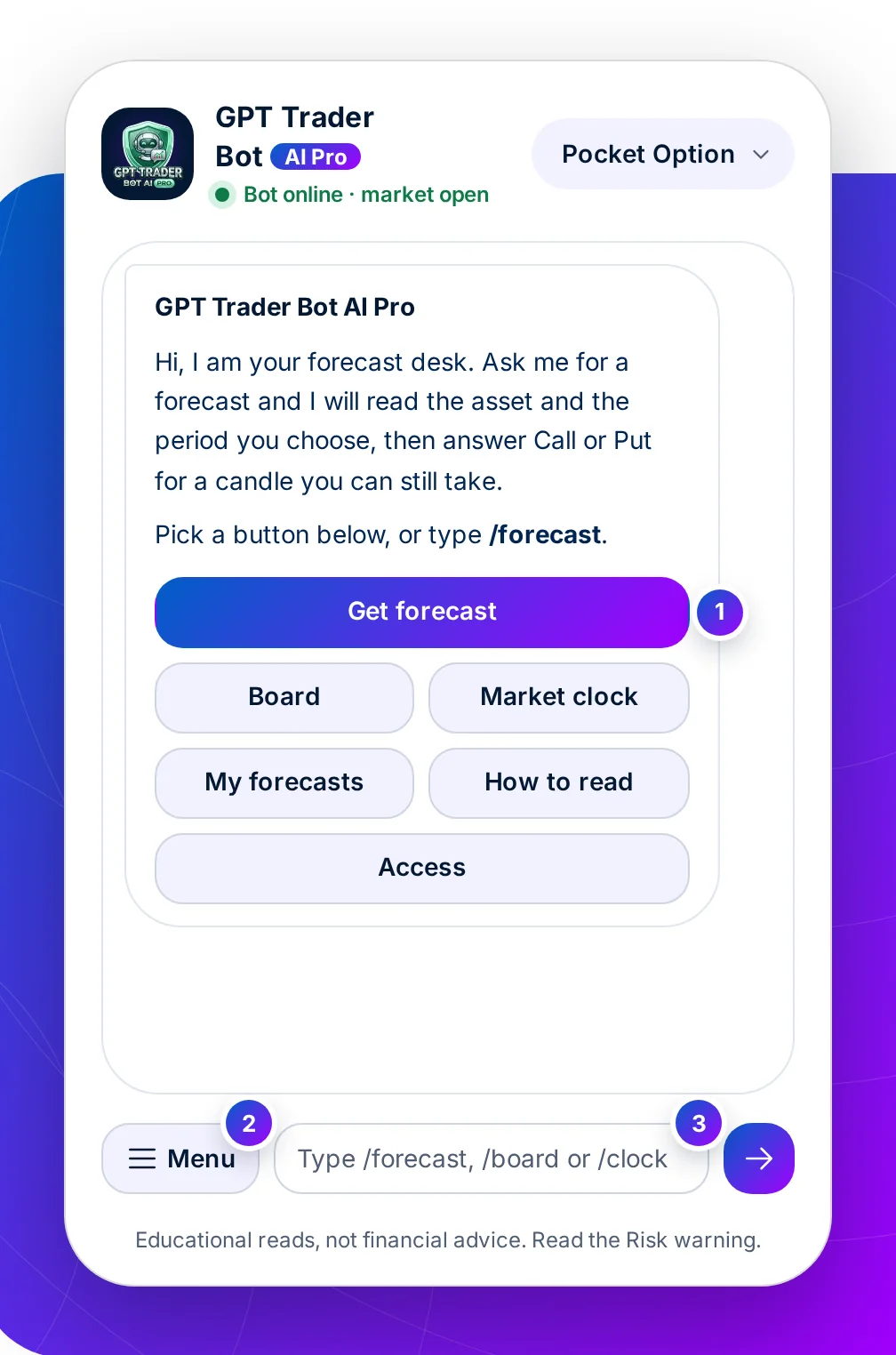
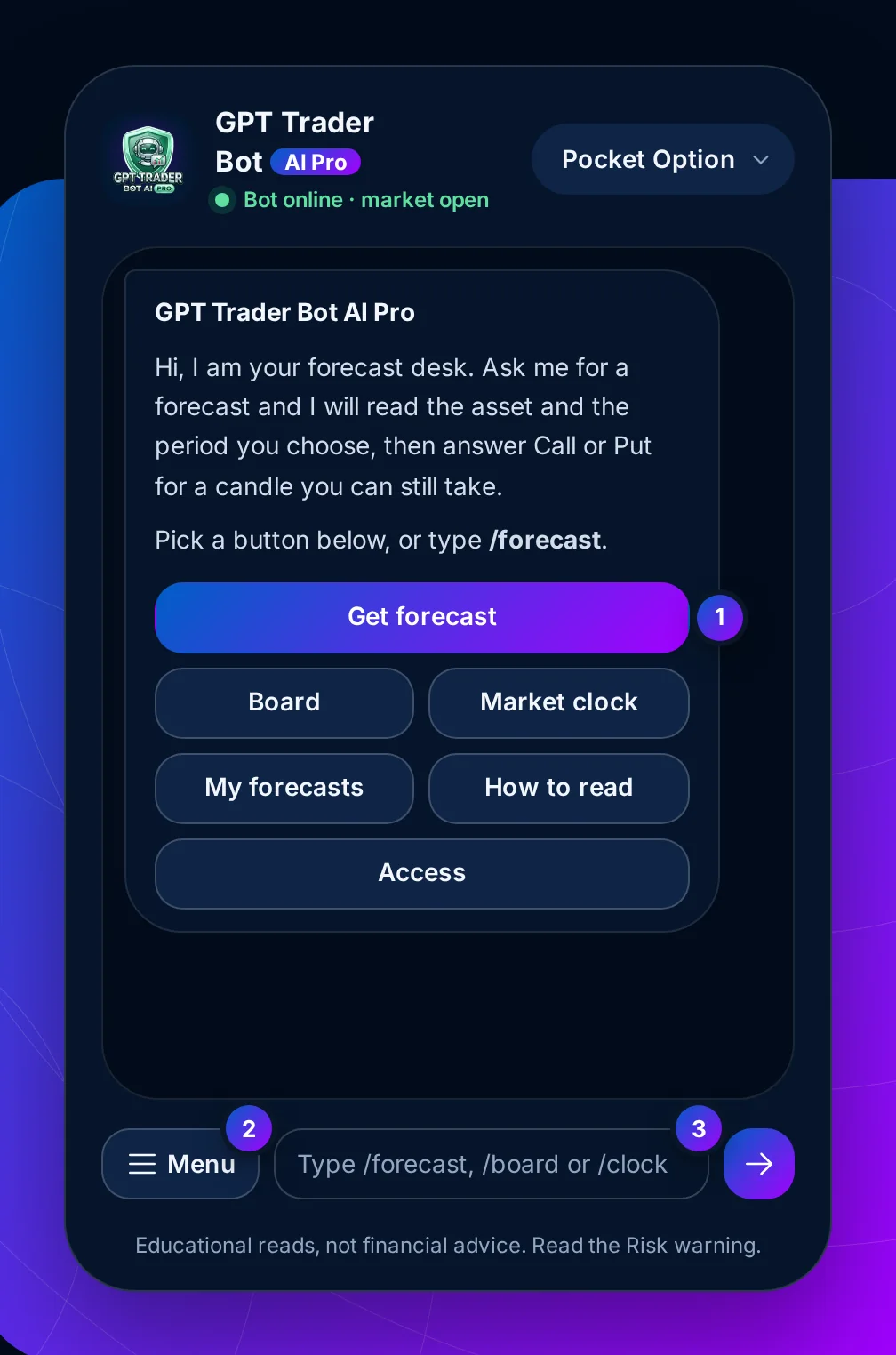
Step 1 of 7 · Control: the menu
What this means for you: start with Get forecast. Board and Market clock help you judge an answer, they do not replace asking for one.
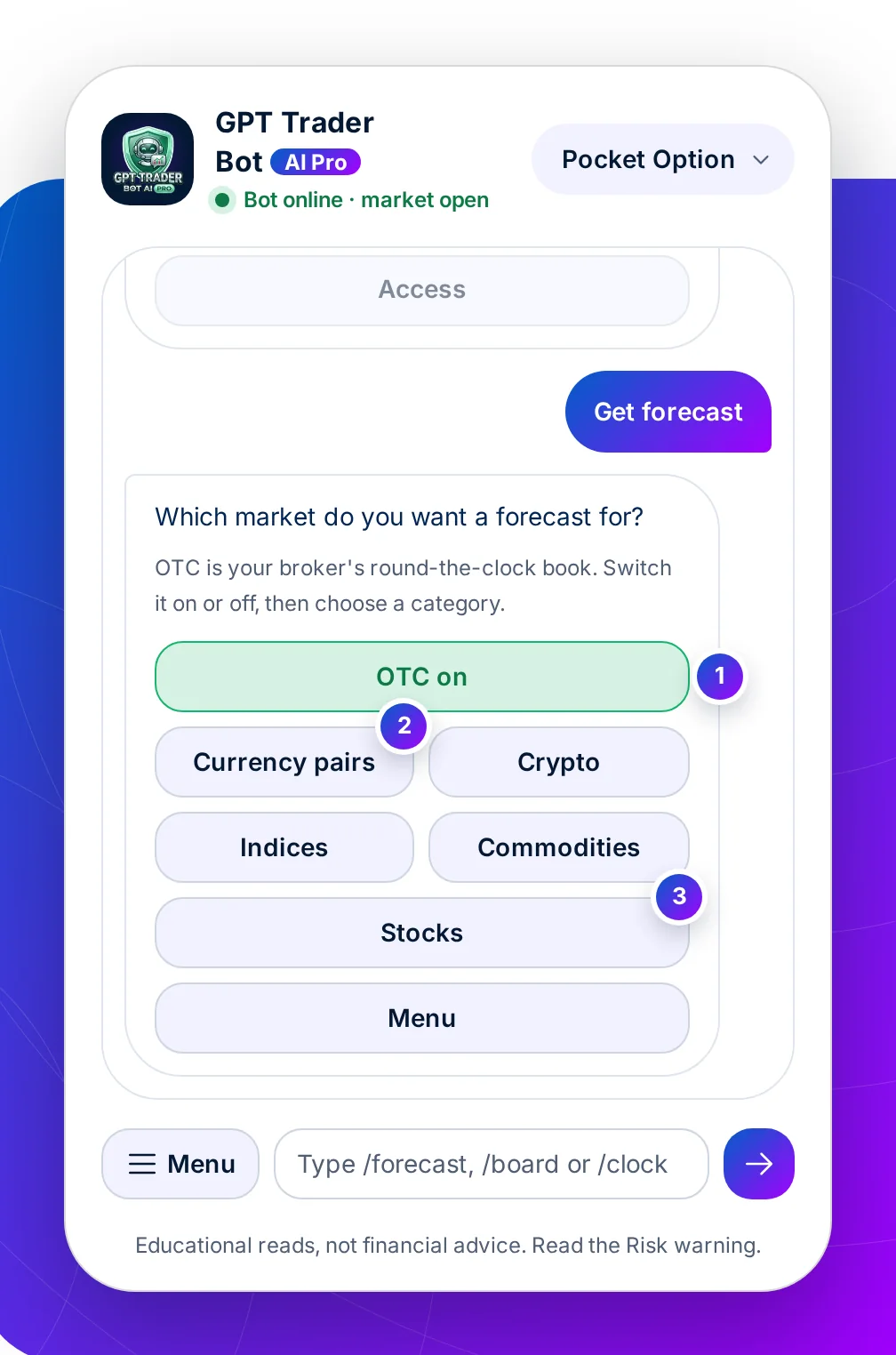
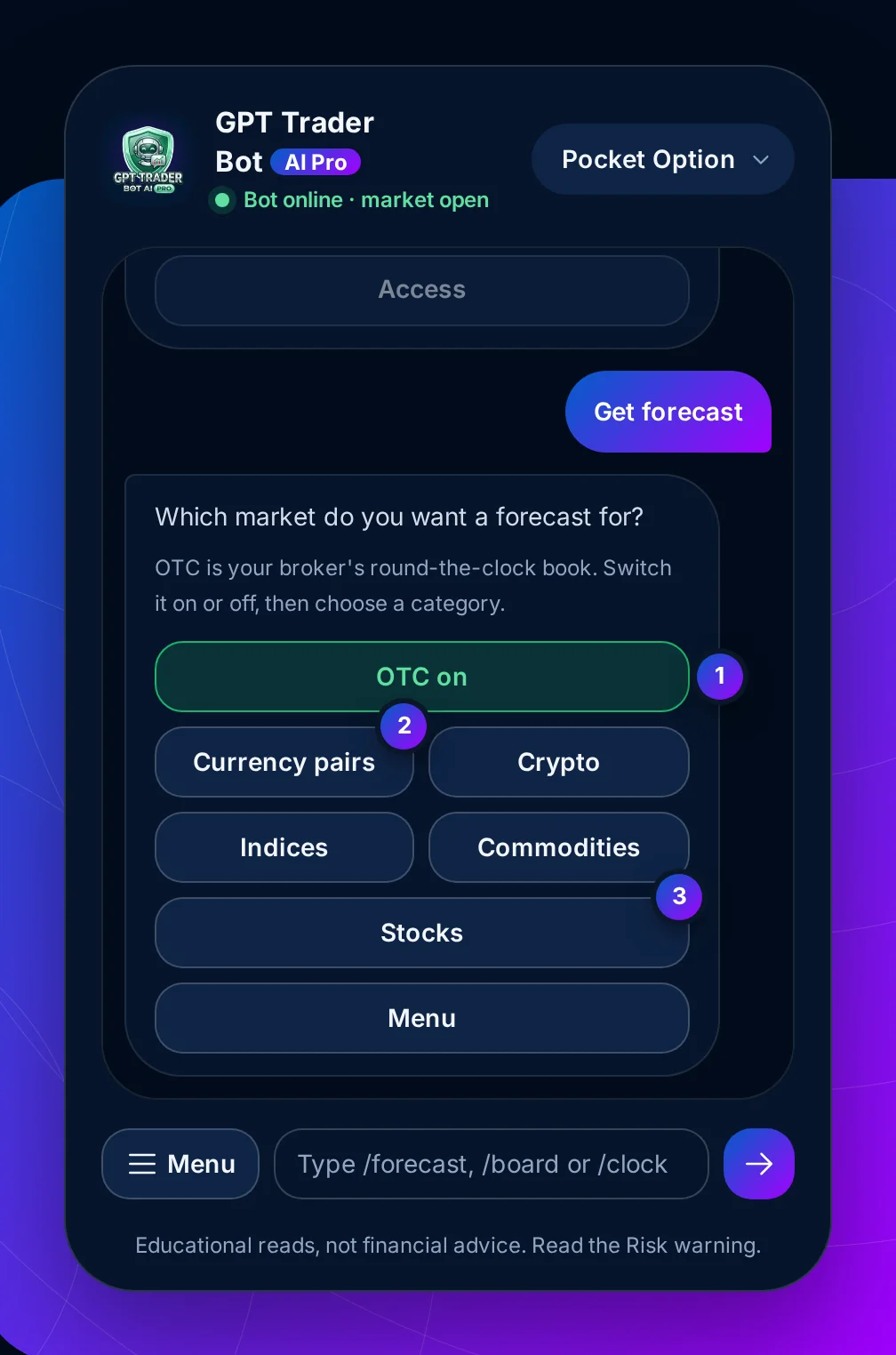
Step 2 of 7 · Control: the market
What this means for you: match the switch to the book your ticket will fill on. A weekday read of the real market is the wrong input for a Saturday OTC trade.
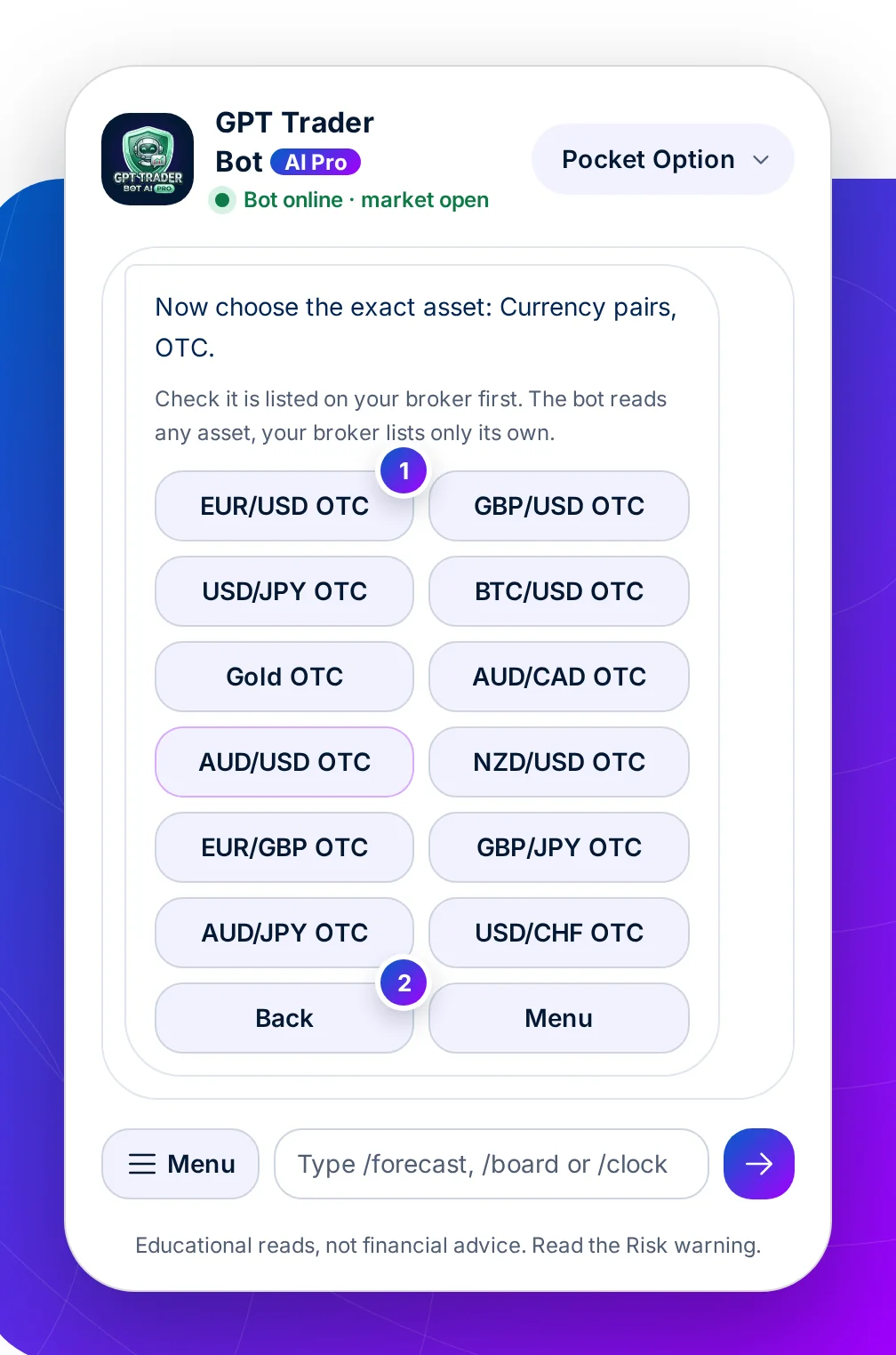
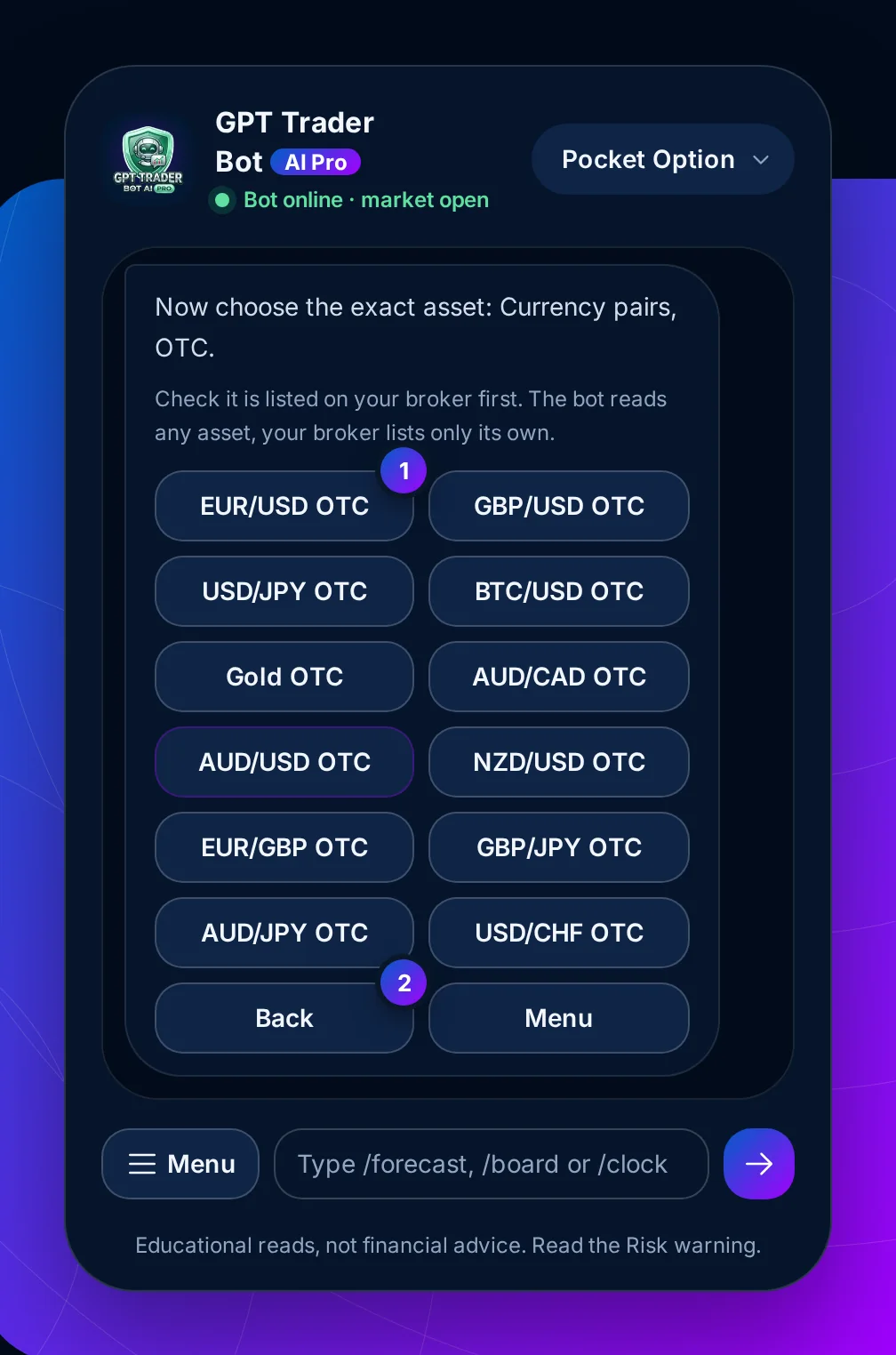
Step 3 of 7 · Control: the asset
What this means for you: open your broker's asset list beside the chat. Reading a pair your broker does not offer wastes the candle.
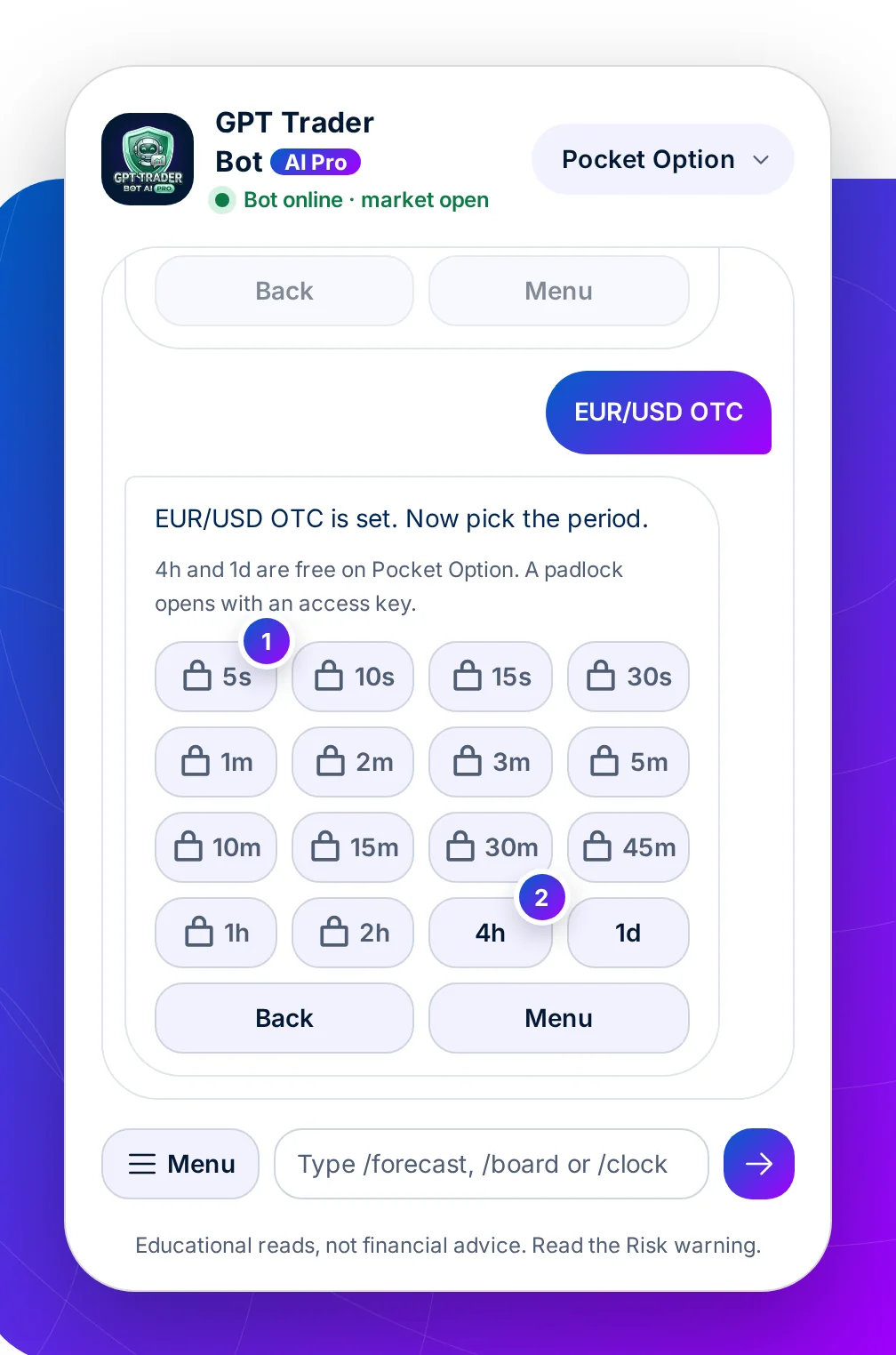
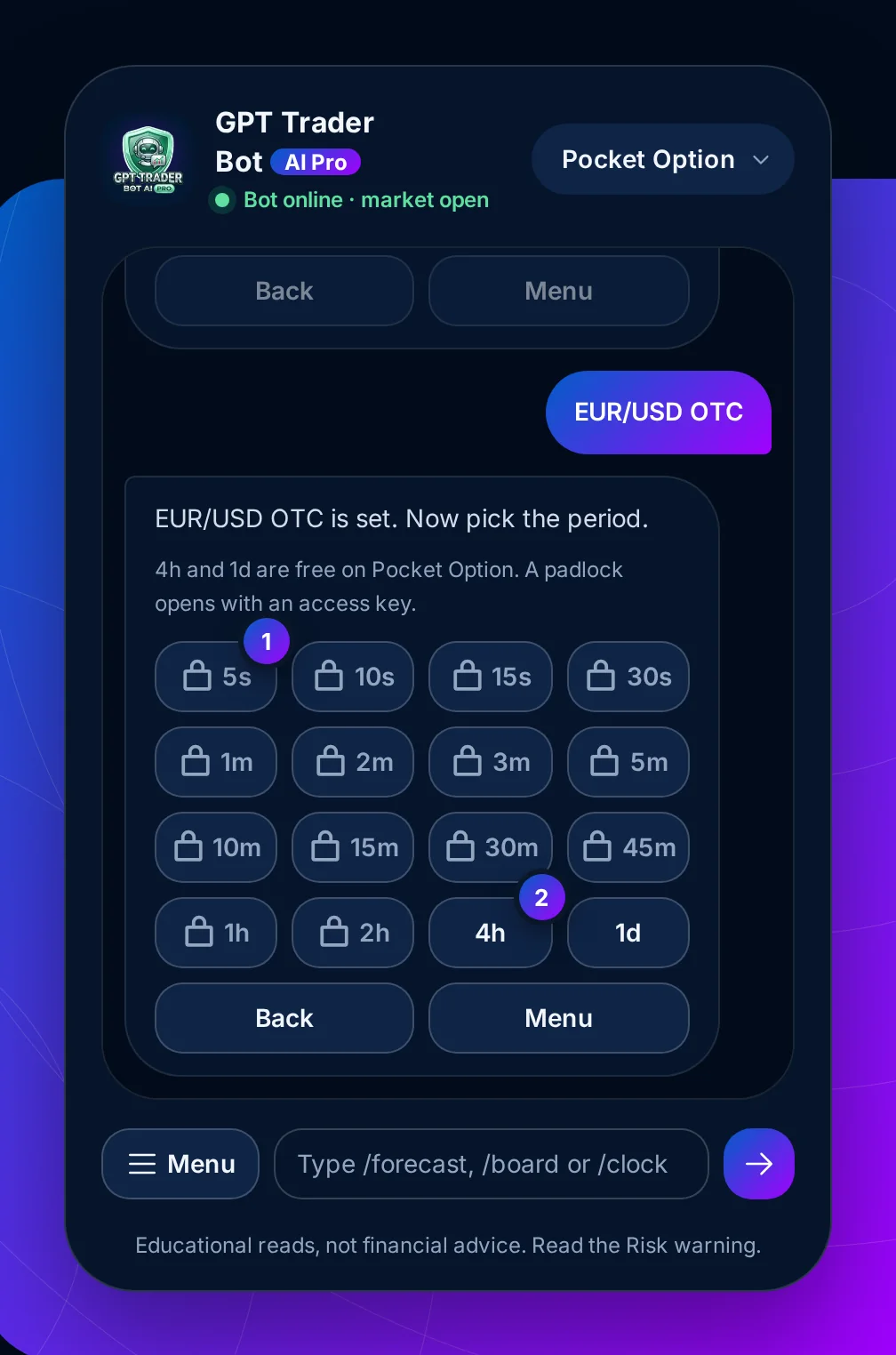
Step 4 of 7 · Control: the period
What this means for you: choose the period before you see the answer. A daily candle read and bought as a one-minute option is how a good read loses.
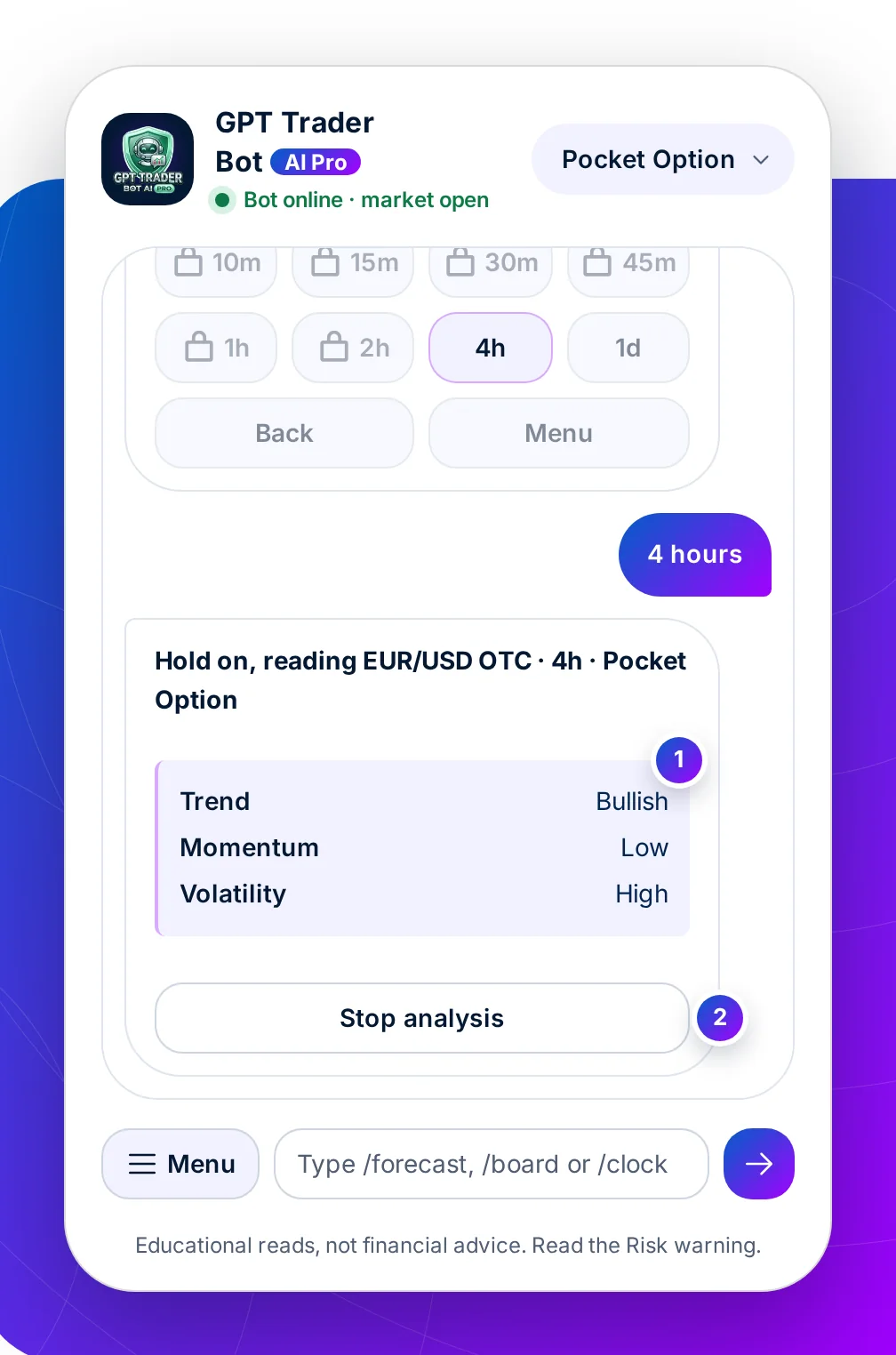
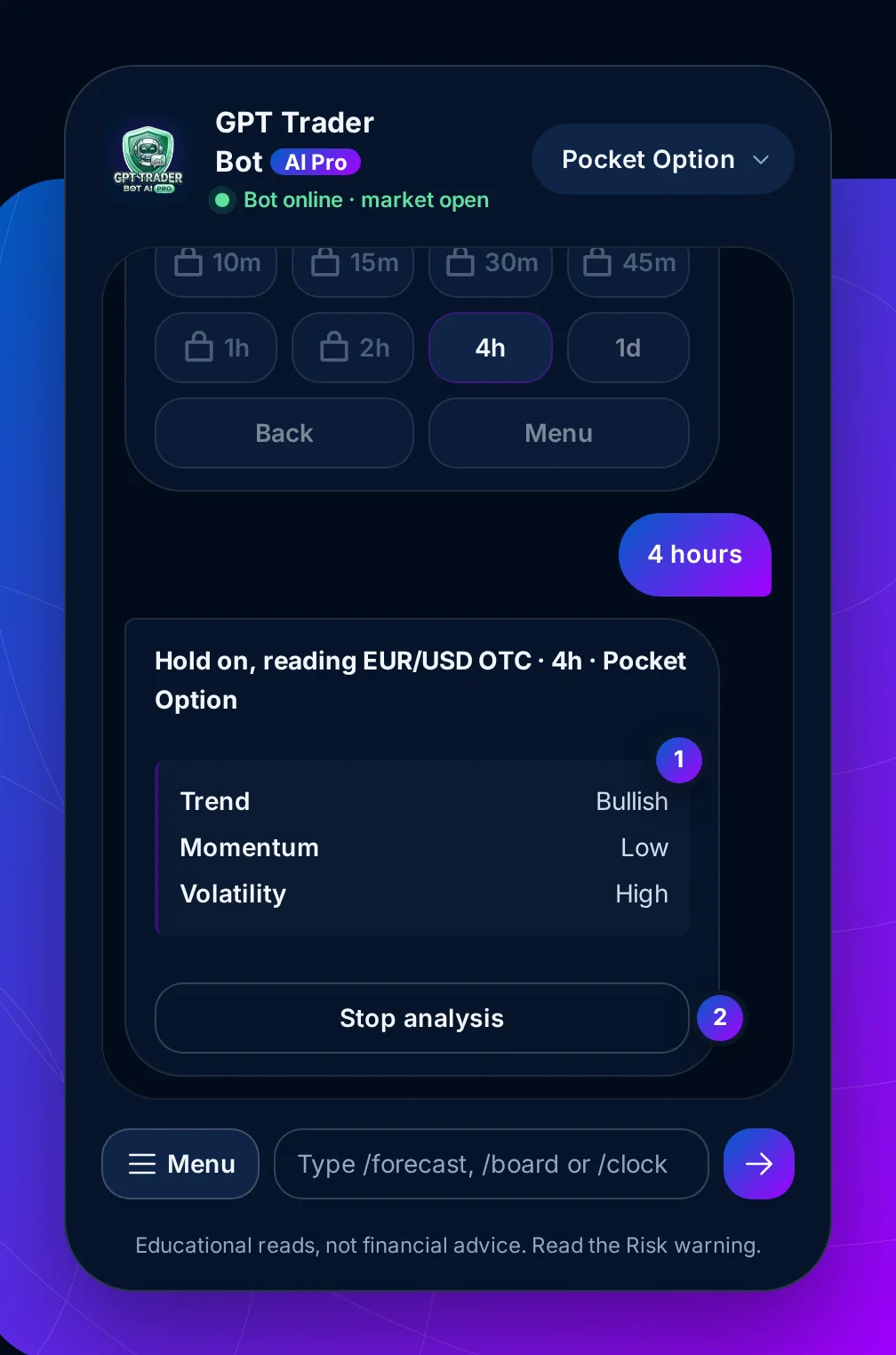
Step 5 of 7 · The bot at work
What this means for you: read the three lines. Strong trend with weak momentum and high volatility asks for a smaller stake, or none.
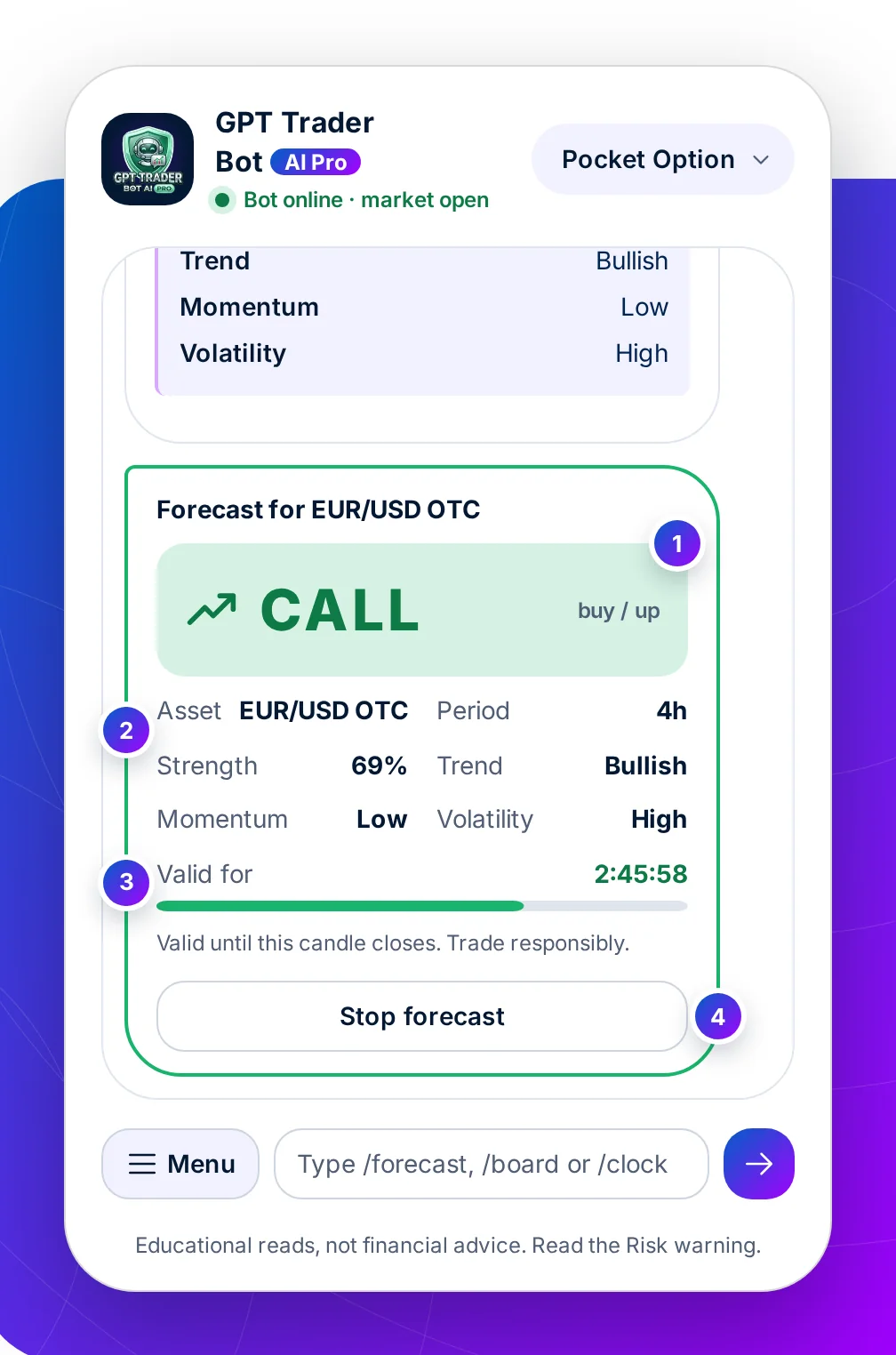
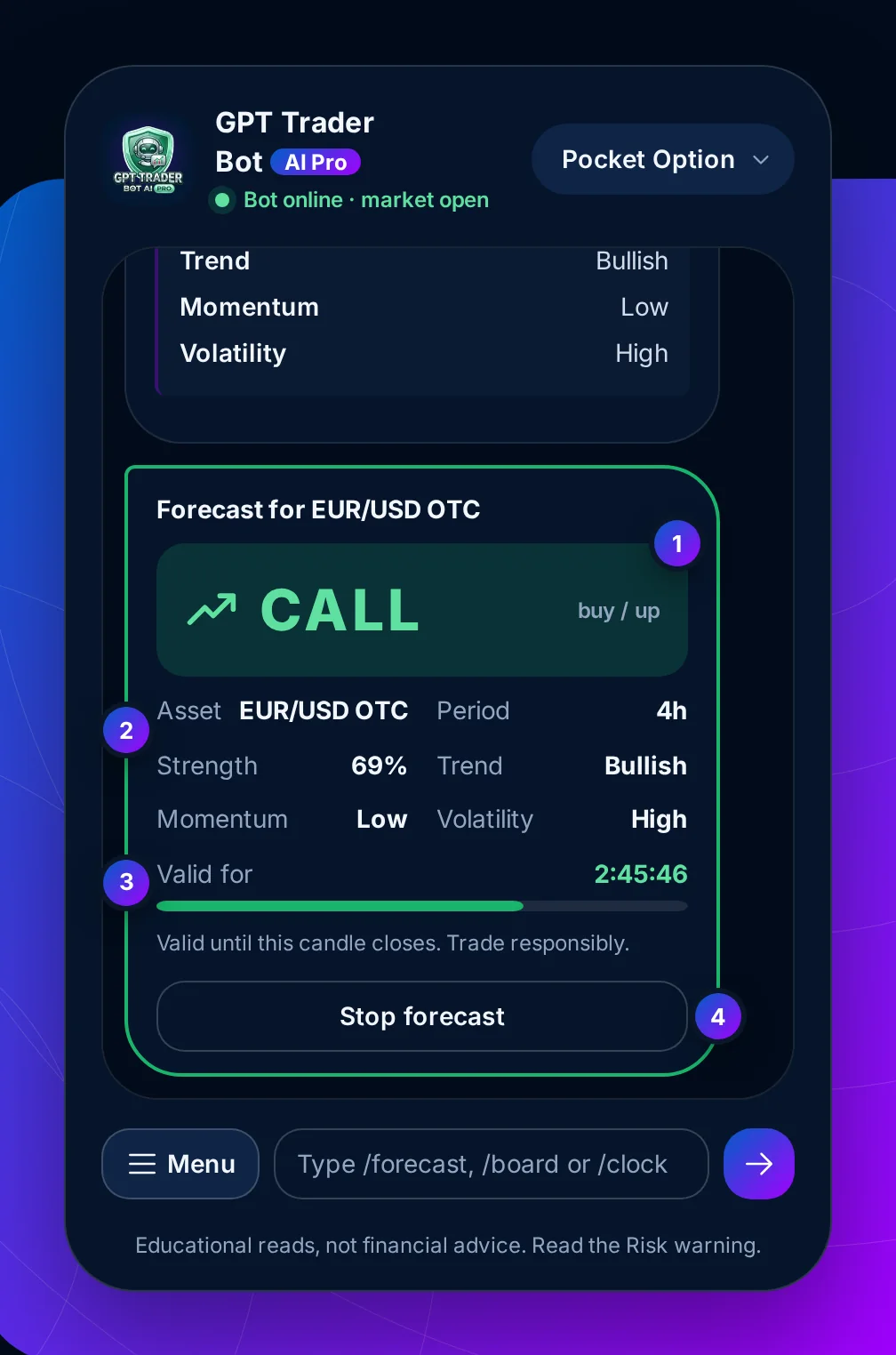
Step 6 of 7 · The answer
What this means for you: enter while the bar is running, on the same period. When it ends the bot posts Forecast closed and you check the result on your own chart.
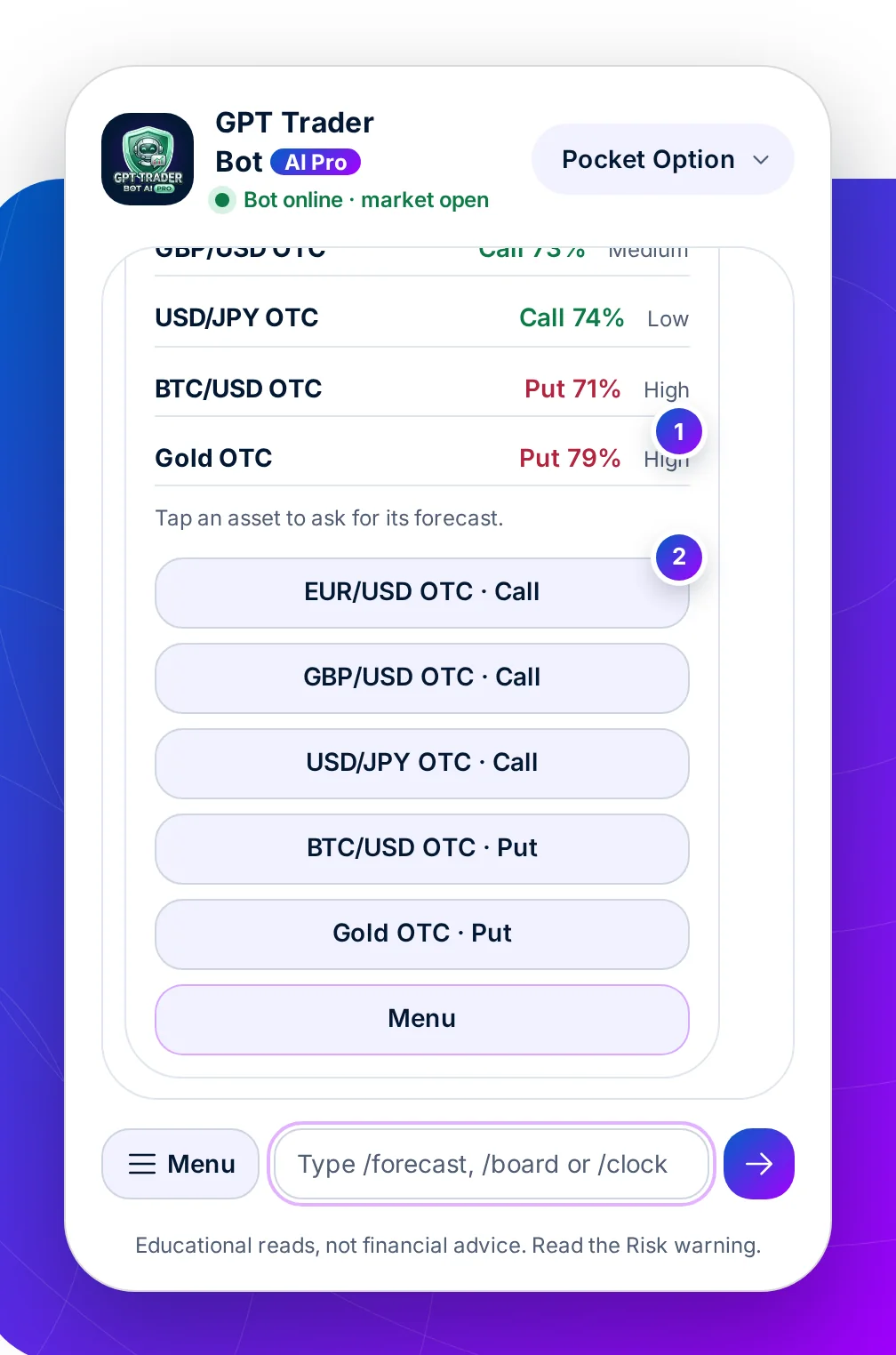
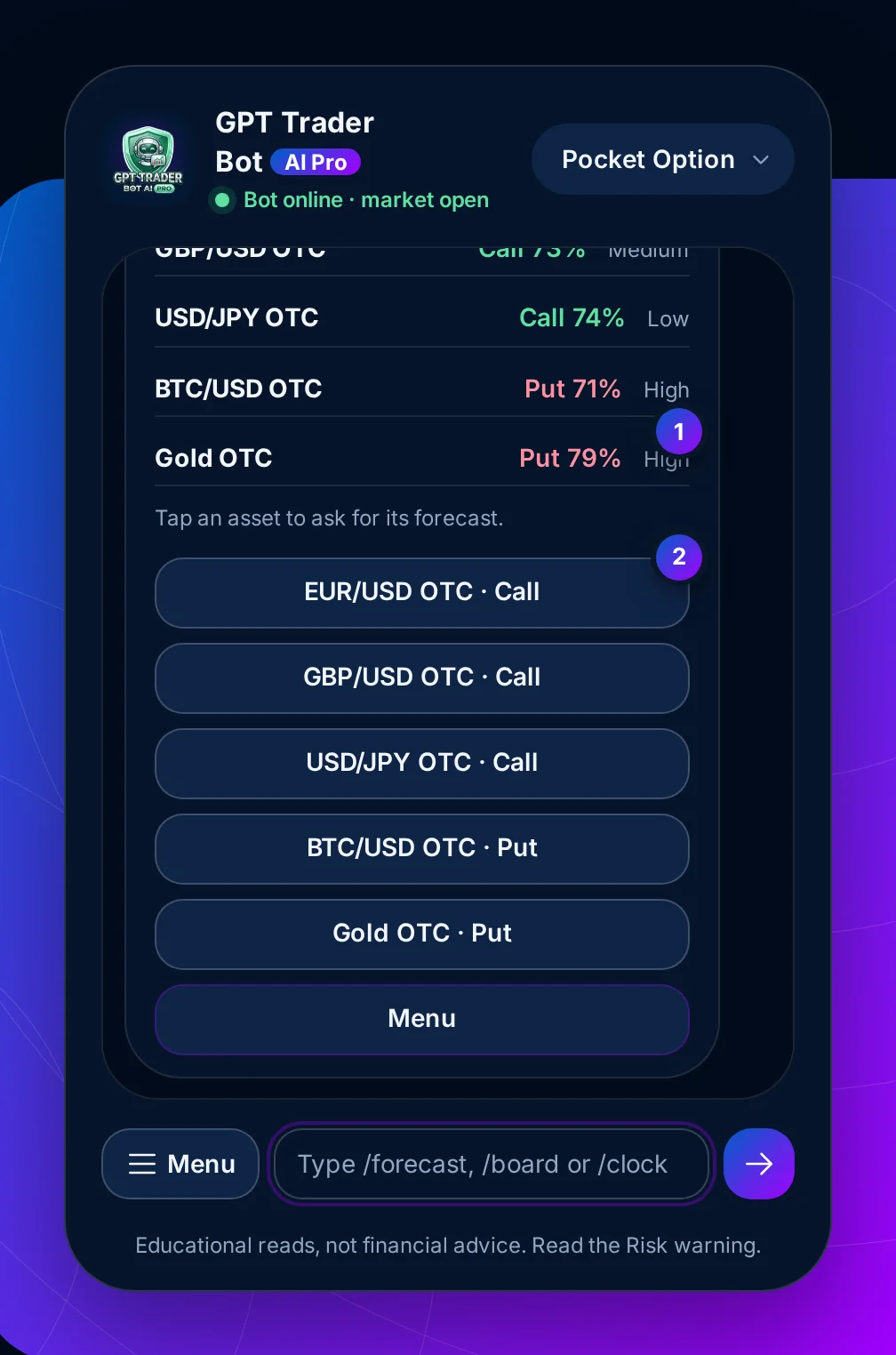
Step 7 of 7 · Board and clock
What this means for you: a Put on your asset while the board leans Call is worth a second look. London and New York overlapping is when moves are cleanest.
At a glance
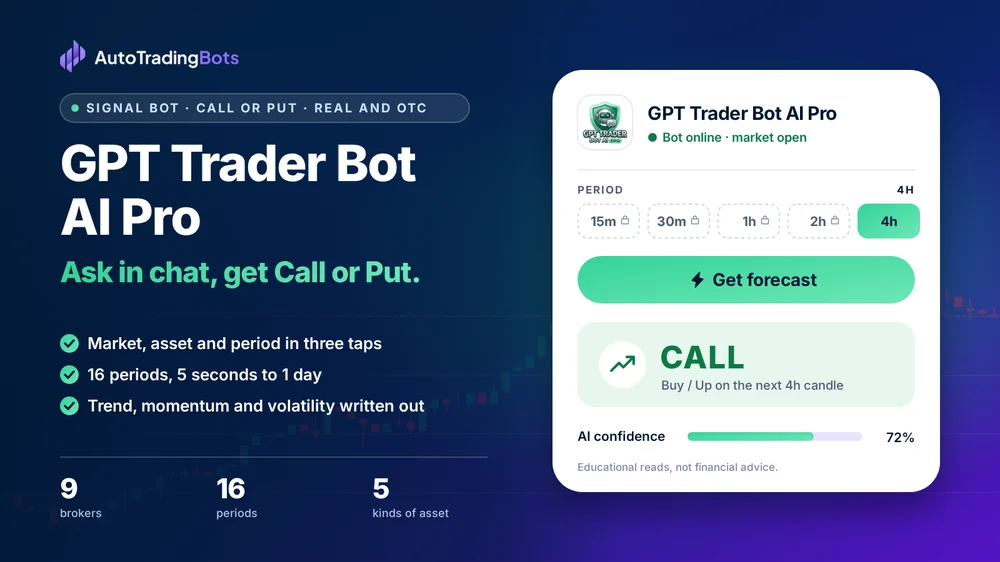
At a glance
Everything GPT Trader Bot AI Pro does and does not do, in one table, before you open your broker.
How it works
What happens between opening the chat and placing a trade, in about fifteen seconds.
Set your broker, then open the menu and ask for a forecast.
OTC on or off and a category, then the asset, then the period you will buy.
Call, Put or Wait with its strength, its three reasons and a countdown. A short period may wait for the next candle.
Compare with the board and your own chart. If you take it, buy the same period on your broker.
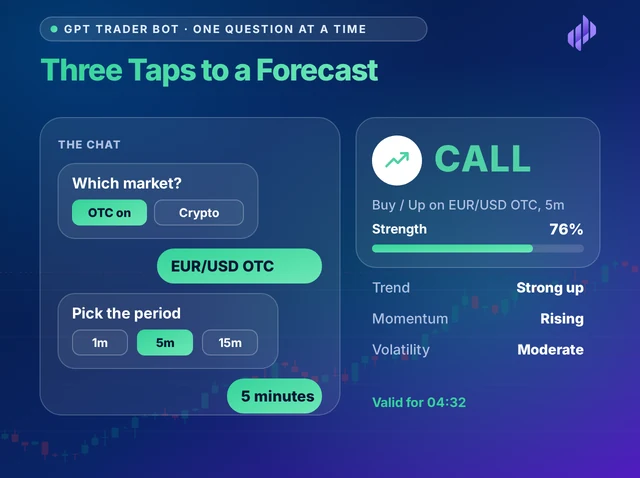
One question at a time
There is no panel to learn. GPT Trader Bot AI Pro asks for the market, then the asset, then the period, each as a message with buttons under it. Every answer you give stays in the thread, so you can see exactly what the forecast was asked to read.
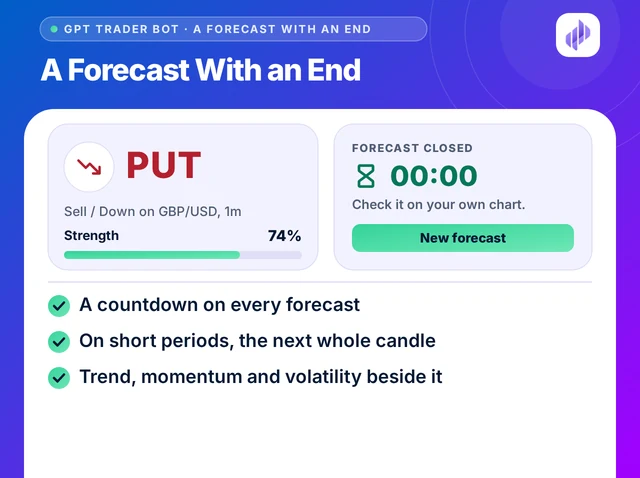
A forecast with an end
A forecast belongs to one candle. The card counts it down, and when the candle closes the bot posts a closing message and offers the next forecast. It never calls the trade a win or a loss: the result is on your own chart.
Assets and periods
Five kinds of asset and sixteen periods. The period you pick decides how long a forecast holds and how often you will be asking.
5s to 30s
A forecast lasts seconds. Decide your stake and your rules before you tap, because there is no time to think after.
1m to 5m
Long enough to check the board and your chart before the bar runs out, short enough for several trades in a session.
10m to 2h
Fewer, calmer forecasts. Useful when you check in a few times a day rather than sit at the screen.
4h and 1d
No key needed. The best place to compare the bot's forecasts with your own chart before you unlock the faster ones.
On IQ Option the free period is 1h, and on Olymp Trade its 23h period. GPT Trader Bot AI Pro opens every period the server allows for the broker you choose, and no other.
Free and unlocked
Opens with a key14 periods, 5 seconds to 2 hours
Free to trymost brokers
Assets
The bot lists these in its chat. Currency pairs also come in an OTC list, marked OTC. Check each asset is on your broker before you ask.
Currency pairs
Crypto
Indices
Commodities
Stocks
Chat bot or this page
Forecast bots inside a messaging app are a common way to get binary signals. Here is how they usually differ from the chat on this page.
| What to compare | A typical messaging-app bot | GPT Trader Bot AI Pro |
|---|---|---|
| Where it opens | Inside a messaging app, after you join | In any browser, on this page |
| Who picks the asset | Often a channel, on its timing | You, every time |
| Why it said Call | An arrow, rarely the reasons | Trend, momentum and volatility, written out |
| How long it holds | Rarely stated | A countdown to the close of the candle |
| Result claims | Success rates and profit screenshots | None. You check each forecast on your chart |
| Your broker login | Some ask you to connect it | Never asked for |
Risk controls
Bots that trade for you ask for these as settings. GPT Trader Bot AI Pro only reads, so the rules are yours to keep. Write them down before you open your broker.
A forecast does not size a trade. The bot cannot see your balance, so the stake, the number of trades and the point where you stop are decisions only you can make, and they matter more than any single forecast.
Set them while you are calm, before the first trade of the day. A rule made after a loss is usually a reason to take one more trade.
FAQ
An AI signal bot for binary options that works as a chat. You choose a market, an asset and a period, and it replies with a Call, Put or Wait forecast for that candle, with a strength score, a countdown and the trend, momentum and volatility behind it.
It is not a broker, and it never touches your money.
No. It runs on this page, in your browser, and looks like a chat so each question is one tap. There is nothing to join and no app to install.
Yes, and with IQ Option, Olymp Trade, Binomo, Exnova, Bubinga, Deriv and Alpari. Pick your broker in the badge at the top of the chat and every forecast carries its name.
No. It reads the market and gives a forecast. You decide, and you place every trade yourself on your broker.
No. It never asks for a password or a broker connection. Keep your broker login to yourself.
Yes, on OTC. The real market closes from Friday 21:00 to Sunday 21:00 UTC; switch OTC on and the bot reads your broker's round-the-clock prices. Crypto stays open on the real market too.
How firmly the inputs behind a forecast agree. A higher score is a cleaner read. It is not the chance the trade wins, so size every trade as if the forecast could be wrong.
On periods under an hour, when less than half of the current candle is left, the bot reads the next one and shows when it opens. Entering half way through a candle is a different trade from the one that was read.
When trend and momentum disagree the card says so. That is an answer too: skipping a candle is a decision.
4h and 1d on most brokers, 1h on IQ Option and 23h on Olymp Trade. Every faster period opens with free access through a partner broker, or with a $49 monthly or $199 lifetime plan.
No. Results depend on the asset, the period and the market, and the bot never sees how your trade closed. Check each forecast against your broker's chart and judge it on your own record.
Yes. Short-expiry trading can lose the whole stake, and a forecast is not advice. Only risk money you can afford to lose, and read the Risk warning.
Not made by, or connected with, OpenAI, Telegram or any broker. Educational tools, not investment advice. Trading carries a risk of loss; read the Risk warning first.
Ask support for free access, or pick a plan and keep your own broker account.
Partner program
Traders who like to ask a question and get an answer can start here. When one of them buys a plan with your coupon code, 40% of each payment is yours, every month they stay.
40%of every payment your referrals make
Commission is paid on the plans your referrals buy, not on sign-ups. Trading carries a risk of loss; read the Risk warning first.
GPT Trader Bot AI Pro users
Three taps and I have a forecast. I like that it asks for the period last, so I cannot forget which candle I am reading.
The closing message is honest. It says the candle closed and sends me to my own chart, with no score and no screenshot of someone's profit.
I use the board to see where my asset sits against the others, then tap a row and the bot reads it. It saves me switching around.